
Table of Contents
Support Access
Support Access controls whether your security integrator and TetherX support staff can view your cameras and make changes to your system.
Tip: Only Admin users can change this setting. Integrators and TetherX support cannot enable it themselves.
How to Toggle
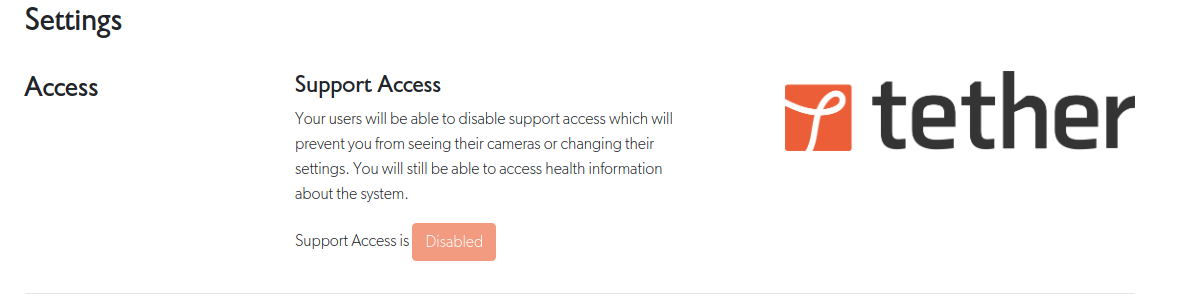
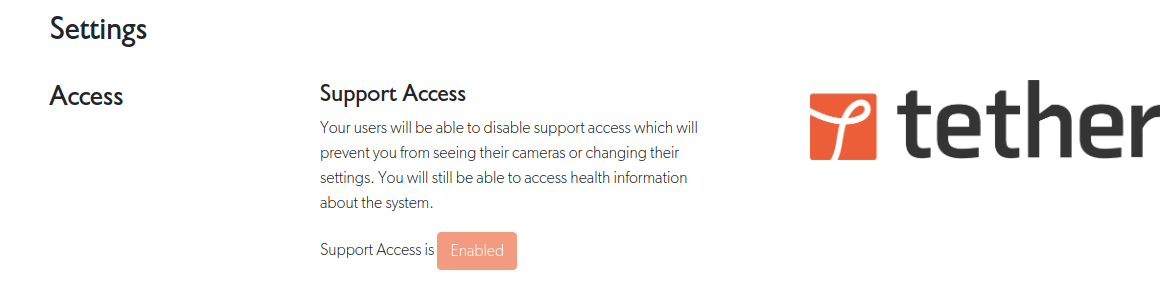
Go to Admin → Settings → Support Access and click the toggle.
What Gets Restricted
When support access is disabled, integrators and TetherX support cannot:
- Access video - Live view, recorded footage, timelapse, snapshots
- Access events - View, create, flag, share, download, or close events
- Access ANPR - View licence plate data
- Use tunnels - Create or close tunnels to network devices
- Change configuration - Create, edit, or delete cameras, TetherBoxes, devices, zones, users, or sites
What Remains Accessible
Even with support access disabled, integrators can still:
- View TetherBox online/offline status and storage levels
- See camera and device lists (names, status indicators)
- Monitor basic system health
- Receive health alerts
This allows your integrator to monitor that equipment is working without accessing your footage.
Integrator View When Disabled
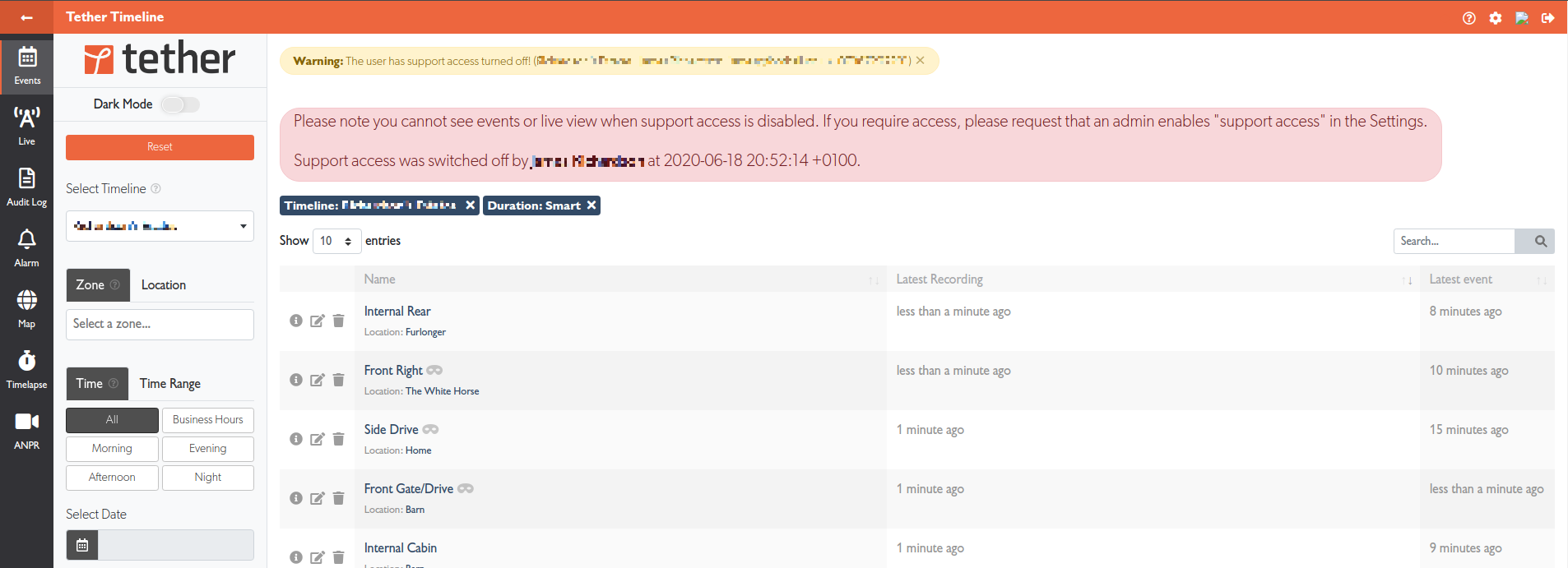
When support access is disabled, integrators see a warning banner showing who disabled access and when, so they can contact you if needed:
Audit Trail
All support access changes are logged in the Audit Log, recording who made the change and when.
When support access is toggled, a push notification is automatically sent to all integrators with access to your account and TetherX support staff. The notification includes:
- Whether access was enabled or disabled
- Your account name
- Who made the change
Related Articles
- User Types - Admin, User, and Integrator capabilities
- Audit Log - Track who accessed your system
- Tunnelling to Network Devices - Remote access (requires support access for integrators)